 Rank Your Favorites
 Find answers to common questions and get the most out of the App.
Quick Help
List
Want to Start Over? Reset Your List
- Open Settings
- Tap 'Reset Your List' to start fresh
Matches
How to Link Your List with Your Partner
- Go to Settings / Profile
- Enter your partner’s email address
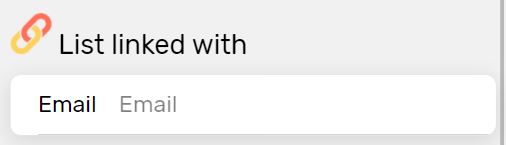
- That’s it. Now check your matches in the menu.
Can’t See Your Partner’s Names?
- Check the email address used in the application on your spouse's phone (Settings / Profile)
- If the email is not correct, go to your settings / Profile
- Indicate your partner's e-mail address
- That's it! Now check your matches in the menu
Lists Not Syncing? Try This
If your lists don’t match, a quick re-sync should fix it.
Follow these steps:
- Open Settings
- Tap ‘Resynchronize Your List’
- Return to your matches and refresh the page
Fixing Name Pronunciations
Can’t Hear the Name? Here’s the Fix
- Press and hold the sound icon
- Make sure your media volume is turned up
The name pronunciation screen is empty?
- If the screen is empty, it means that your phone uses a different voice engine than Google
- Go to your phone's settings and find the 'text-to-speech' parameter
- Change the engine to Google
- Relaunch the application
Miscellaneous
How to update your settings?
- Click on the icon in the menu at the top left
Want to Delete Your Account?
⚠️ This action cannot be undone
- 1. Go to Settings > Profile
- 2. Tap ‘Delete Account’ (This cannot be undone)
Our privacy policy ?
- It is available Here
Need More Help? Contact Us
Reach out via email at [email protected]
OR